Inner Banner - Tshwane Interim
Adds the Inner Banner to the page

Content Type Details
- ID: 99
- Name: Inner Banner - Tshwane Interim
- Minimum user level: Contributor
- Compatible with page layouts: Inner Page: Full Width
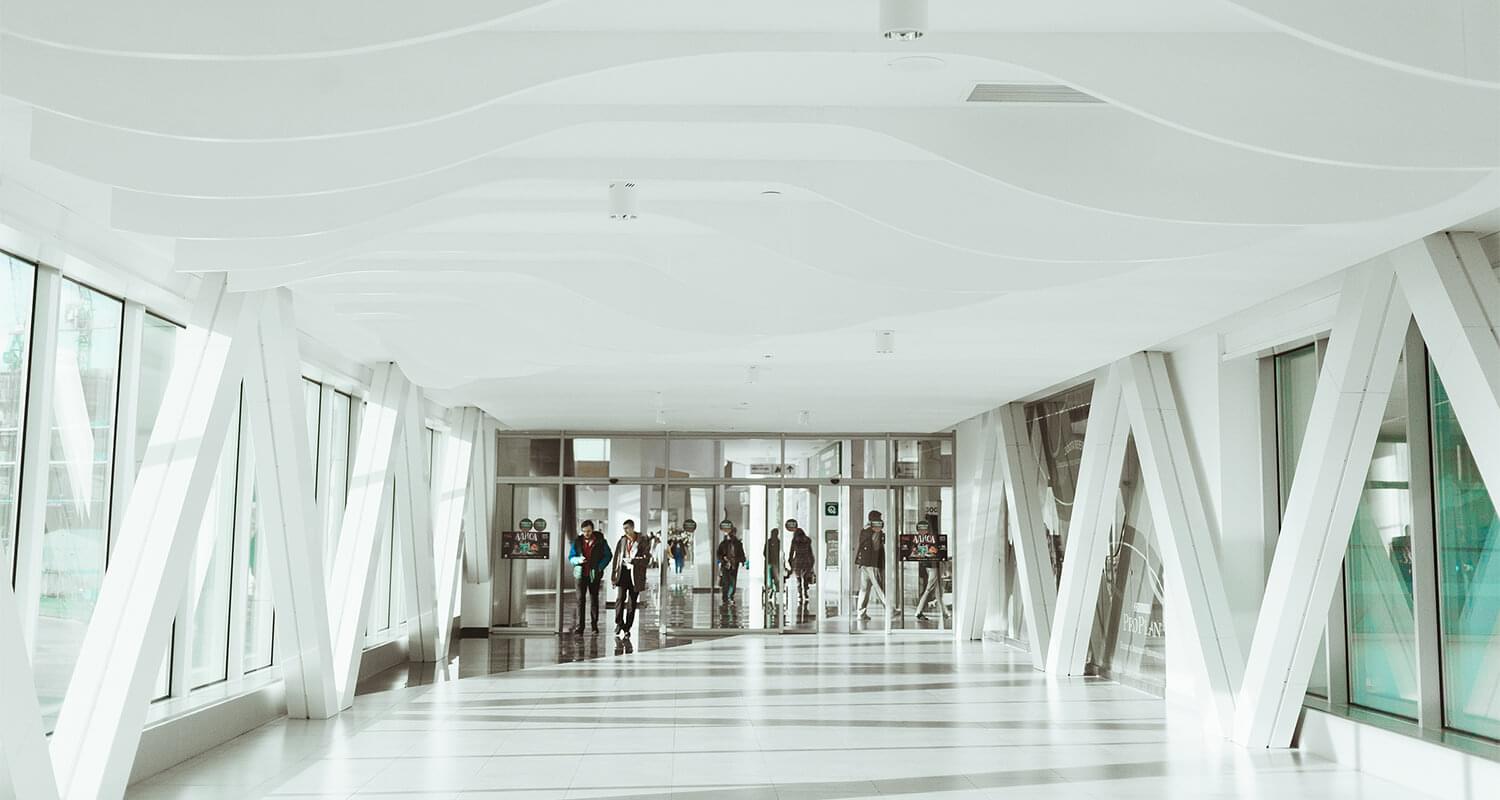
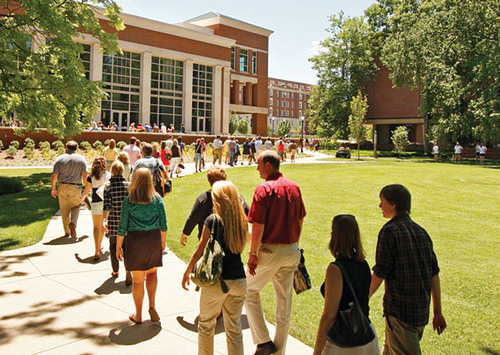
Adds an image banner with an image and heading. Optional elements like a description and button can also be added.
For the Image element - Select an image that is at least 1,270px x 600px. The image will be automatically stretched and/or cropped to fit the required space if it is too small/big.
Content Type Elements Details
| Name | Description | Size | Type | Required | Conditionally Shown |
|---|---|---|---|---|---|
| Name | The Name Element | 80 Characters | Plain Text | Yes | No |
| Image | Select the image from media library | N/A | Media | Yes | No |
| Heading | Heading (H2) that appears in the box. | 150 Characters | Plain Text | Yes | No |
| Description | Short description that appears in the box. | 2000 Characters | Plain Text | No | No |
| Button Text | Enter the text for the Call to Action | 50 Characters | Plain Text | No | No |
| Button Link (internal) | Select a section/content for an internal link | N/A | Section/Content Link | No | No |
| Button Link (external) | Only enter this if you are NOT entering an internal link | 200 Characters | Plain Text | No | No |
Examples